What's new in v4.6
Every AppOp, in the open
An app's Advanced section now opens a full AppOps screen — all 162 operations, the mode in force and the platform default side by side, with search and a changed-only filter.
App compat overrides
A second screen lists the Android behaviour changes this app overrides, read from the platform, each with a switch and a reset-all.
Reset all, one command
Put every AppOp or compat override back to its default in a single tap — the clean way to undo a bad setting.
No surprise force-stops
Toggling a compat change uses --no-kill, so changing a switch never kills the app behind your back.
One round trip per load
The op list comes from a bundled catalogue and is overlaid with a single shell read, so the screen stays fast even with hundreds of ops.
Tested
Eleven new unit tests cover the catalogue, both parsers and the exact command strings, bringing the suite to 67.
Also in SetEdit
Sort any table
Order a list by name or by value, A-Z or Z-A, straight from the toolbar.
Change history
Every edit is recorded, newest first. Open the history and tap an entry to put the old value back.
Copy anything
Long-press a row, or use the editor, to copy a key, a value or a whole row to the clipboard.
Recipes, organised
Recipes are grouped into Animations, Display, Touch, Accessibility and Custom, and you can search them — or write your own.
Auto-backup
Turn it on and SetEdit saves a snapshot before changing a sensitive key, so you can always get back.
Tile and widget
A Quick Settings tile jumps straight in, and a home-screen widget pins your starred keys one tap away.
Screens
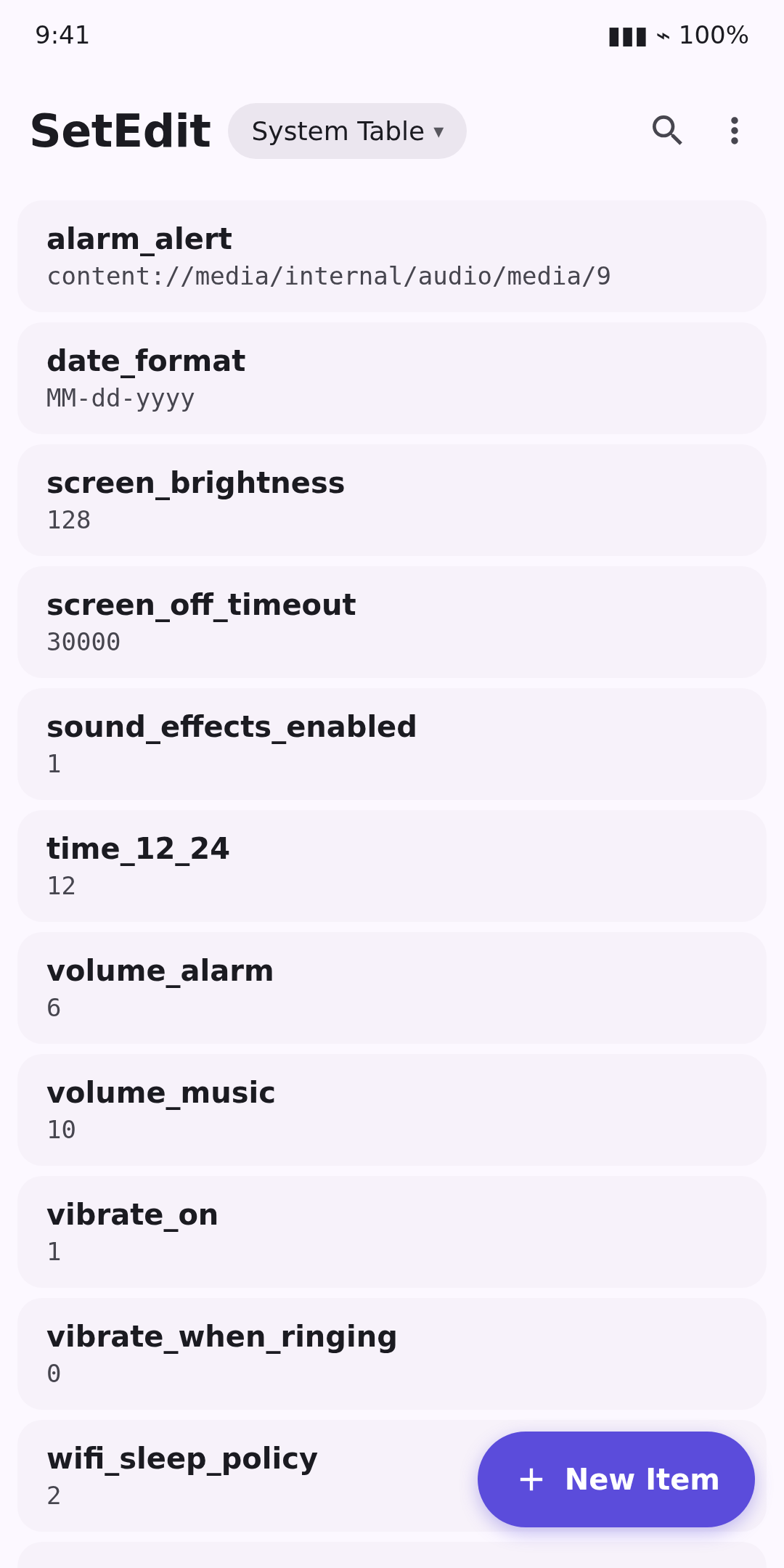
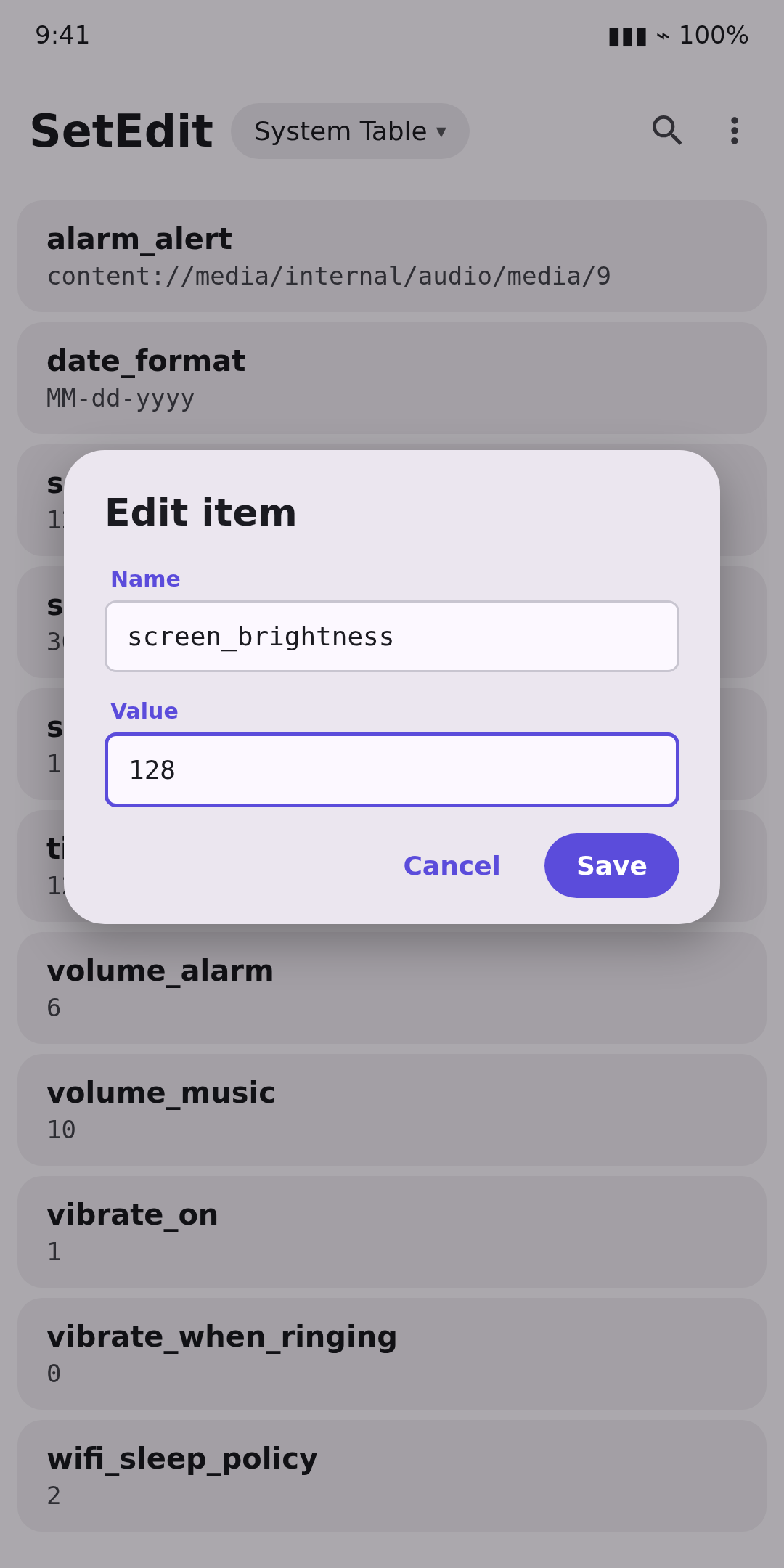
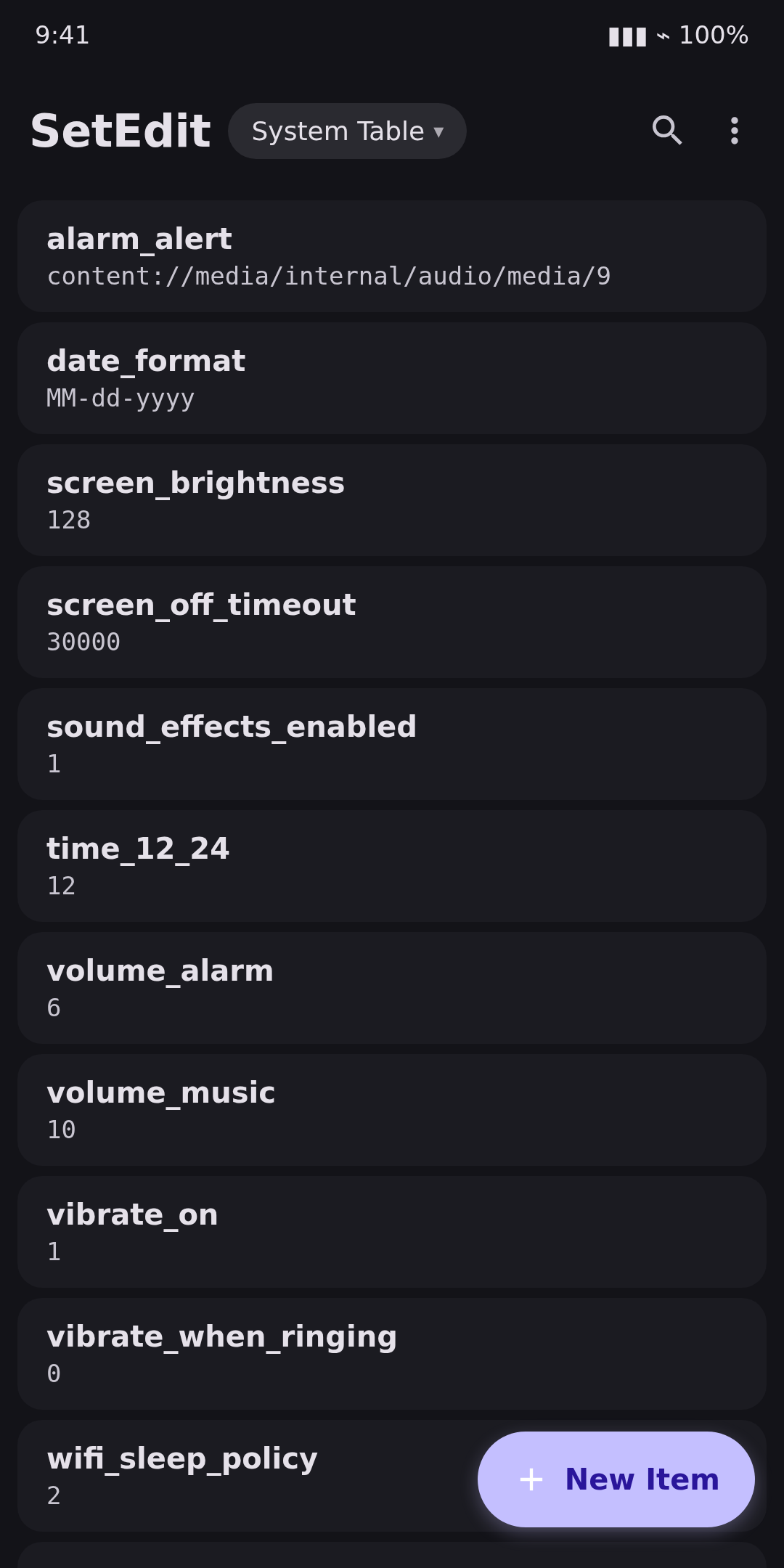
Install
Download the APK and open it on your device. You may need to allow installs from your browser or file manager.
# Verify the download
sha256sum SetEdit-4.6-release.apk
# 785169f93c7aa3b847467c51a7130980bb013ca6b3716c80403271ae85cbd206
On Android 15, 16 and 17, start Shizuku (or use root) and grant privileged access from SetEdit's overflow menu so every table stays editable.